Why DpdoPlayer
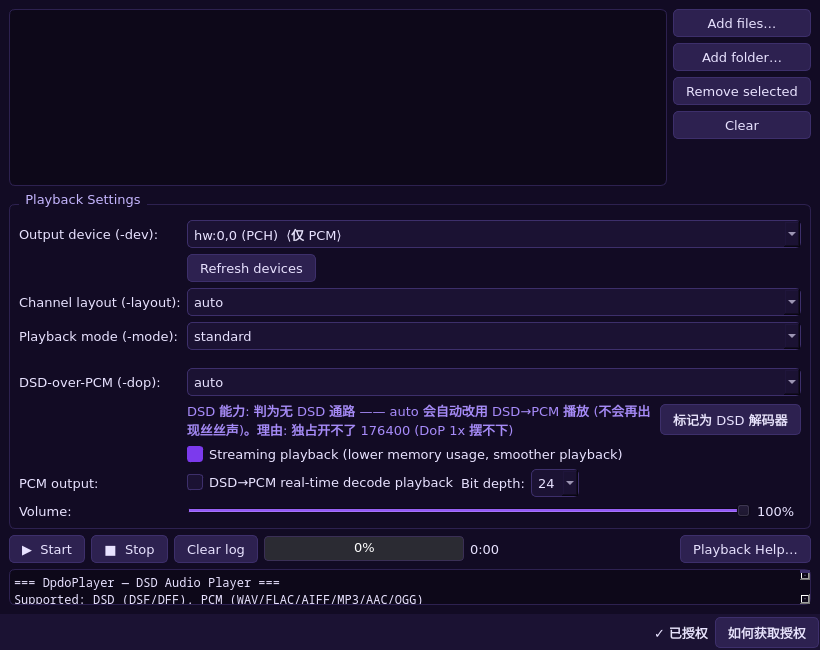
The easy thing to fake in a player is “it makes sound”: whether output is really direct, whether DSD was quietly converted to PCM, whether the progress bar runs ahead of the audio — none of that is visible from the UI. DpdoPlayer turns each of those into something you can check; the differences are below.
- One engine, same behaviour on four platforms — The desktop GUI, the command line, Android and iOS all run the same PlayerEngine core. A setting produces the same result everywhere — there is no “phone build” and “desktop build” that drift apart.
- Native first, fallback stated up front — Native DSD → DoP → DSD→PCM, in that order. Before playback starts it says which path this session takes; failures give the reason (no DSD path on the device / carrier rate unsupported / device held by another app) instead of noise that “sort of works”.
- Direct output is decided by evidence, not hope — The decision uses USB endpoint and 176400 exclusive-mode measurements, a known-device list and user marking. Onboard codecs that structurally have no DSD path are ruled out — which prevents the classic “onboard + forced DoP = wall of noise”.
- The device is handed back cleanly — At the end of a session the DSD domain switches back to PCM and the interface is returned to the system driver. On Windows a device left in the DSD domain makes browsers and other players play pure noise — the easiest thing to overlook.
- Volume only on the device side — A 1-bit DSD stream is never attenuated in software (that breaks bit integrity): volume goes to the endpoint's hardware volume, and if you never set one, your device's level is left untouched.
- Large files are read in place — A multi-gigabyte SACD ISO on a phone opens directly from where it sits, without being copied into app storage first.
- Progress follows what you hear — Progress is computed from frames the device has actually played, not from how much has been read — long tracks and DSD no longer show the bar running ahead of the sound.
- Failures are diagnosable — Log lines are short and specific; version numbers, device capability decisions and the playback path each have a single source, so the UI cannot claim one thing while the engine does another.
On the phone (Android)
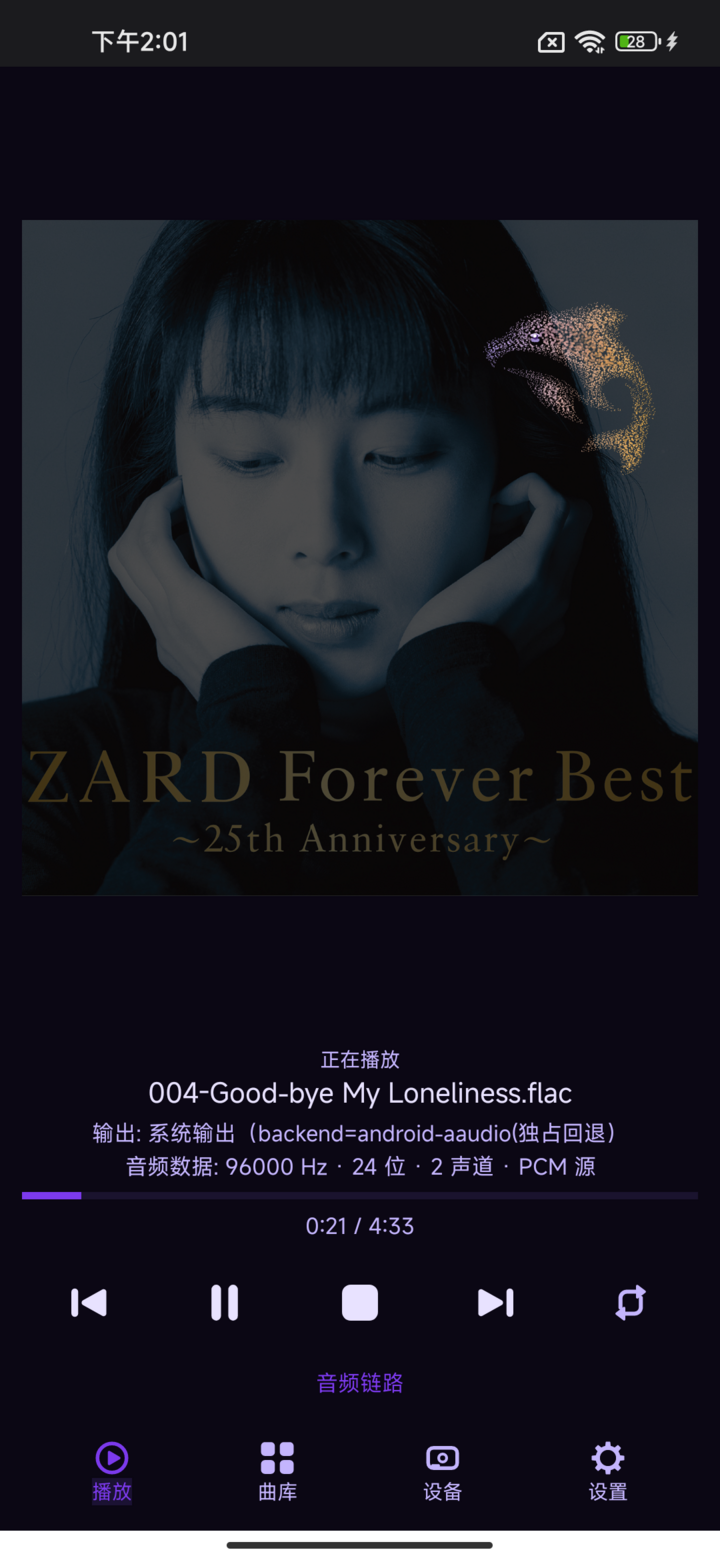
The phone build is not a separate product: the same engine, plus in-place file reading, exclusive USB output and the real values of the whole chain.
- Same engine as the desktop player (DpdoEngine) — Not a trimmed-down separate app: SACD ISO / DST / DSD→PCM / DoP decoding all live in that one engine.
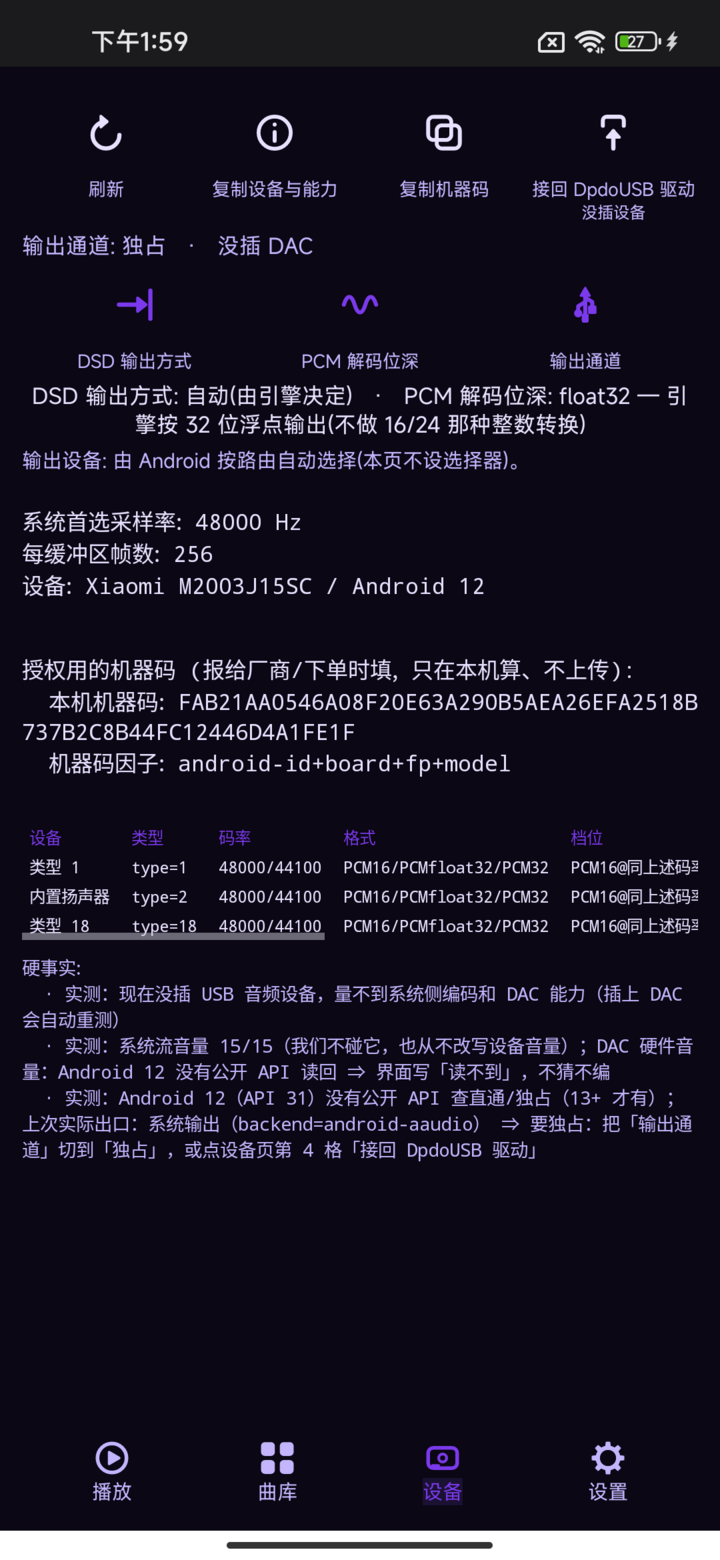
- Exclusive output with a USB DAC, rate following the material — The app takes the USB device over itself, picks the alt setting for the material and sets the DAC rate over UAC2 SET_CUR, read back with GET_CUR (measured on a real phone: 176400 Hz / 24-bit carrying DSD); it is never pinned to a fixed rate, falls back honestly when it cannot, and the Device screen names the path in use.
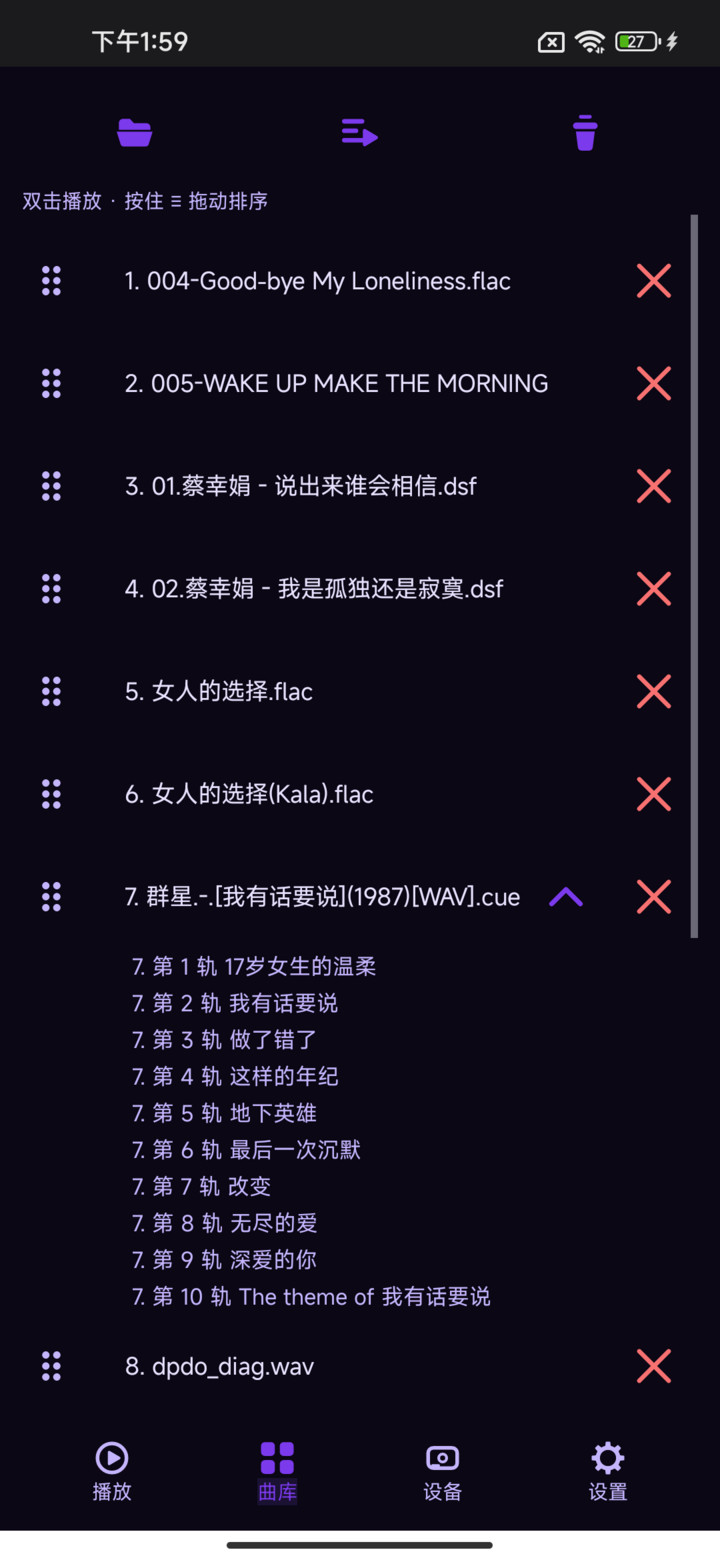
- Files are read in place, no copy step — A multi-gigabyte SACD ISO plays straight from where it sits; nothing is duplicated into app storage first.
- SACD ISO tracks expanded, gapless — Every track inside the disc appears in the library list; tap one and it plays on to the end of the disc.
- An audio-chain panel that tells the whole truth — One tap lays out the real value at each stage: source format / rate / bit depth → decoder → whether anything resamples or requantises → which path actually makes the sound (system mixer stage included). Values the engine never reported show as “—”; nothing is invented.
- Activation code from the official site — No Google Play and no store account required.
Installers and sha256 are on the download page →